Manage Startup Applications on Your Mac Guide
Manage Startup Applications on Your Mac
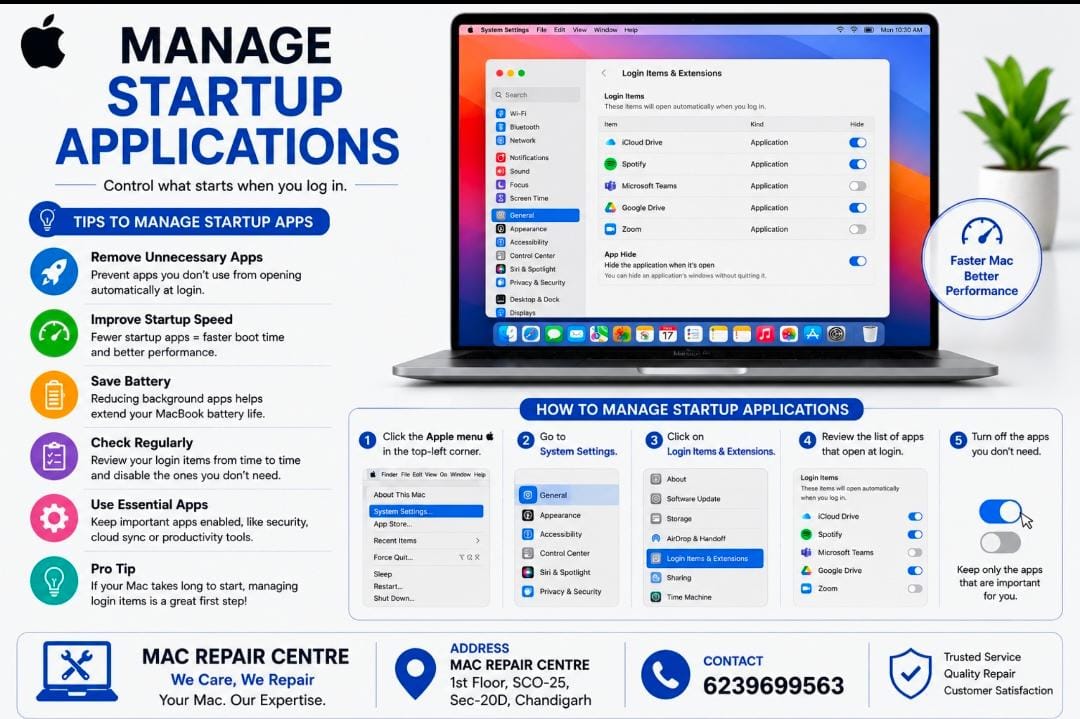
Managing startup applications can help your Mac start faster and run more smoothly .
Tips To Manage Startup Apps
• Remove unnecessary apps from starting automatically .
• Improve startup speed by limiting background apps.
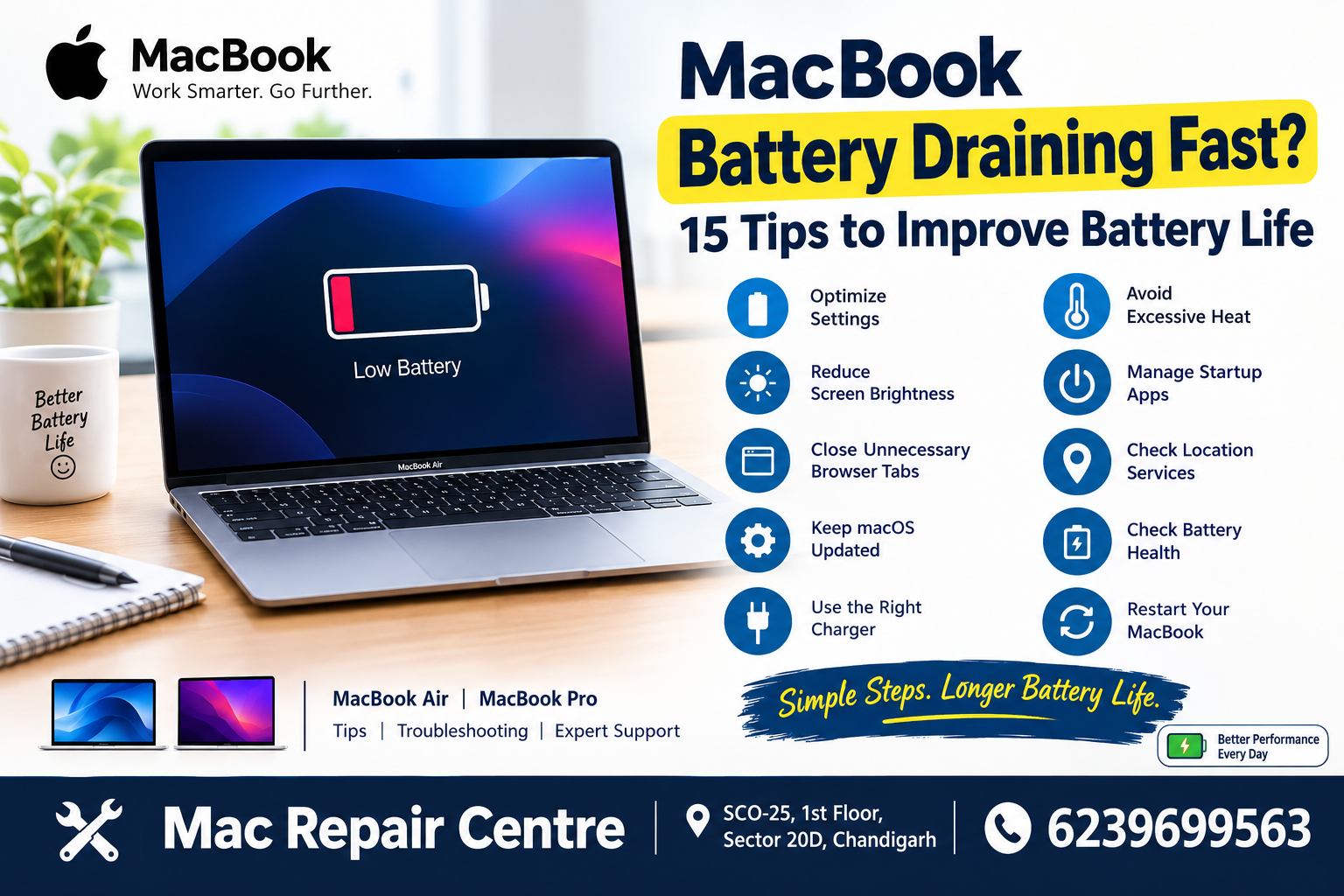
• Save a battery by reducing apps running in the background.
• Check setup items regularly and disable apps don’t need .
• Go to Apple Menu > System Setting > General > Login Items & Extensions .
• Keep essential apps enabled , such as security or productivity tools you use regularly .
Tip = If your Mac takes a long time to start , checking Login Items is a good first sleep