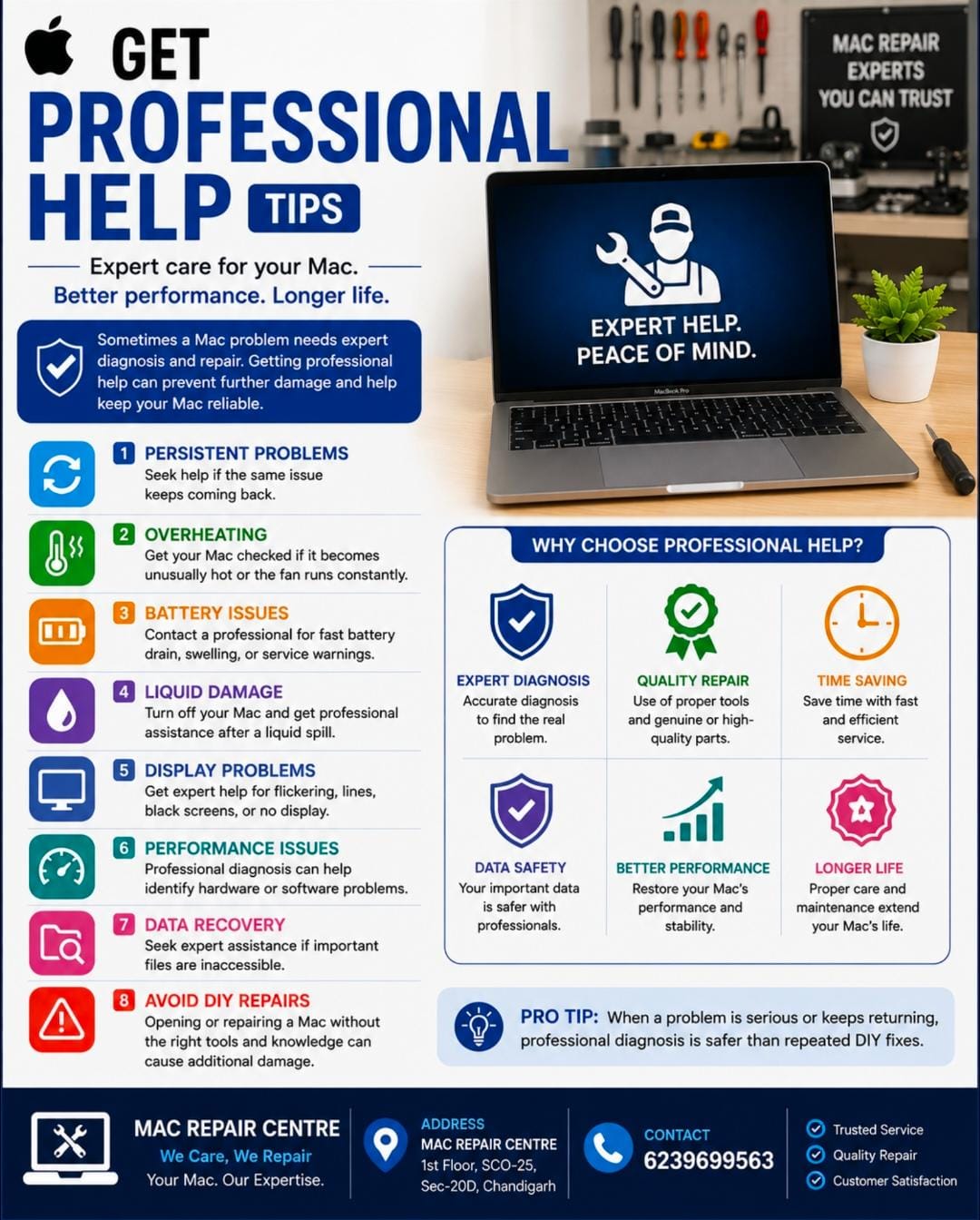
Keep Enough Free Storage On Your Mac Guide
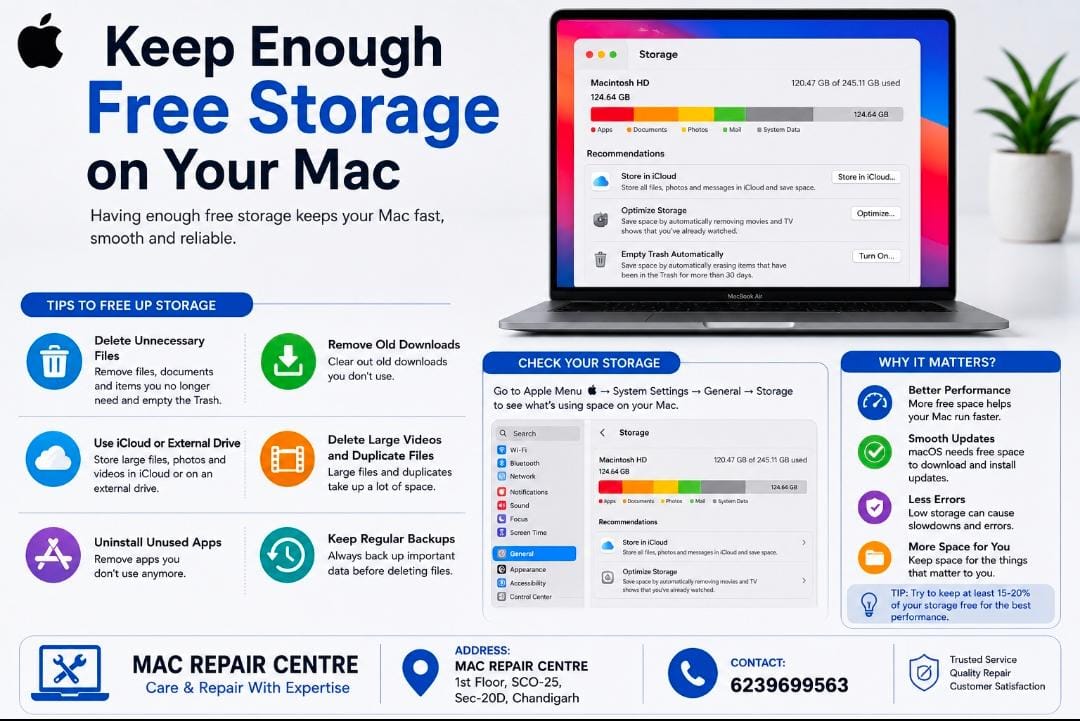
Keep Enough Free Storage On Your Mac
Keeping enough free storage helps your Mac stay fast , smooth , and reliable .
Tips to Free Up Storage
• Delete unnecessary files and empty the trash .
• Remove old downloads you no external drive for large files .
• Delete large videos and duplicate files.
• Uninstall apps you no longer use.
• Keep regular backups before deleting important data .
• Go to Apple Menu > System Setting > General > Storage to check what is using space .
Tip= Try to keep some free space available so macOS and your apps can work efficiently .