Backup Your Important Data Tips
Backup Your Important Data Tips
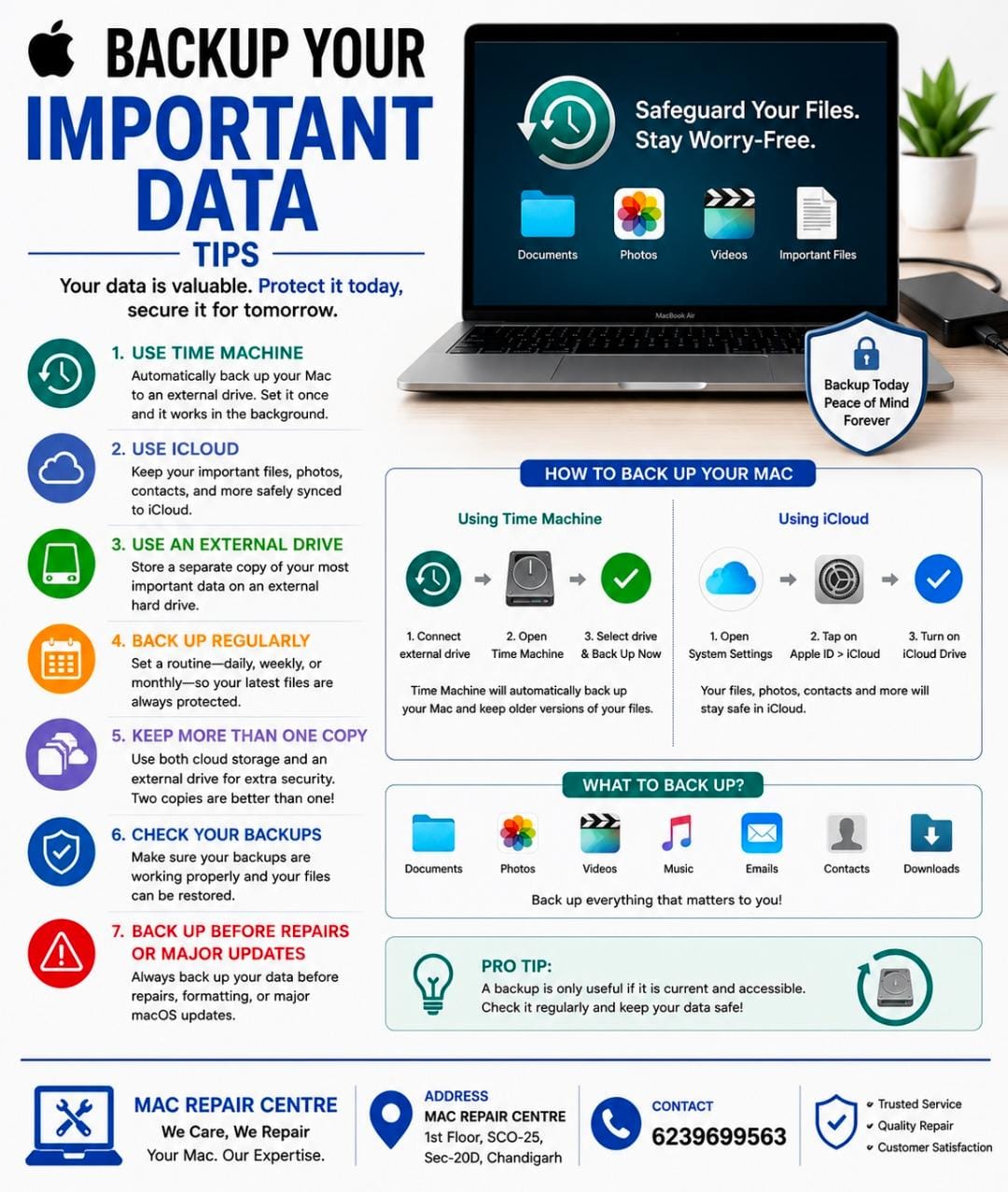
Regular backups protect your photos , documents , videos , and important files from accidental deletion , hardware failure , or unexpected problems .
Use Time Machine : Automatically backup your Mac to an external drive .
Use iCloud : Keep important files and photos safely synced .
Use an External Drive : Store a separate copy of your most important data .
Back Up Regularly : Set a routine so your latest files are always protected .
Keep More Than One Copy : Consider having both cloud and physical backups .
Check Your Backups : Make sure your backup can actually be restored when needed .
Backup Before Repairs Or Major Updates : Protect your data before making significant changes to your Mac .
Tip = A backup is only useful if it is current and accessible – check it regularly .