MacBook Wi-Fi Not Connecting Causes & Solutions Guide
MacBook Wi-Fi Not Connecting: Causes and Solutions
A MacBook that cannot connect to Wi-Fi can be frustrating, especially when you need internet access for work, study, or everyday tasks. The problem may be caused by network settings, macOS issues, a router problem, or a hardware fault.
Common Causes of MacBook Wi-Fi Problems
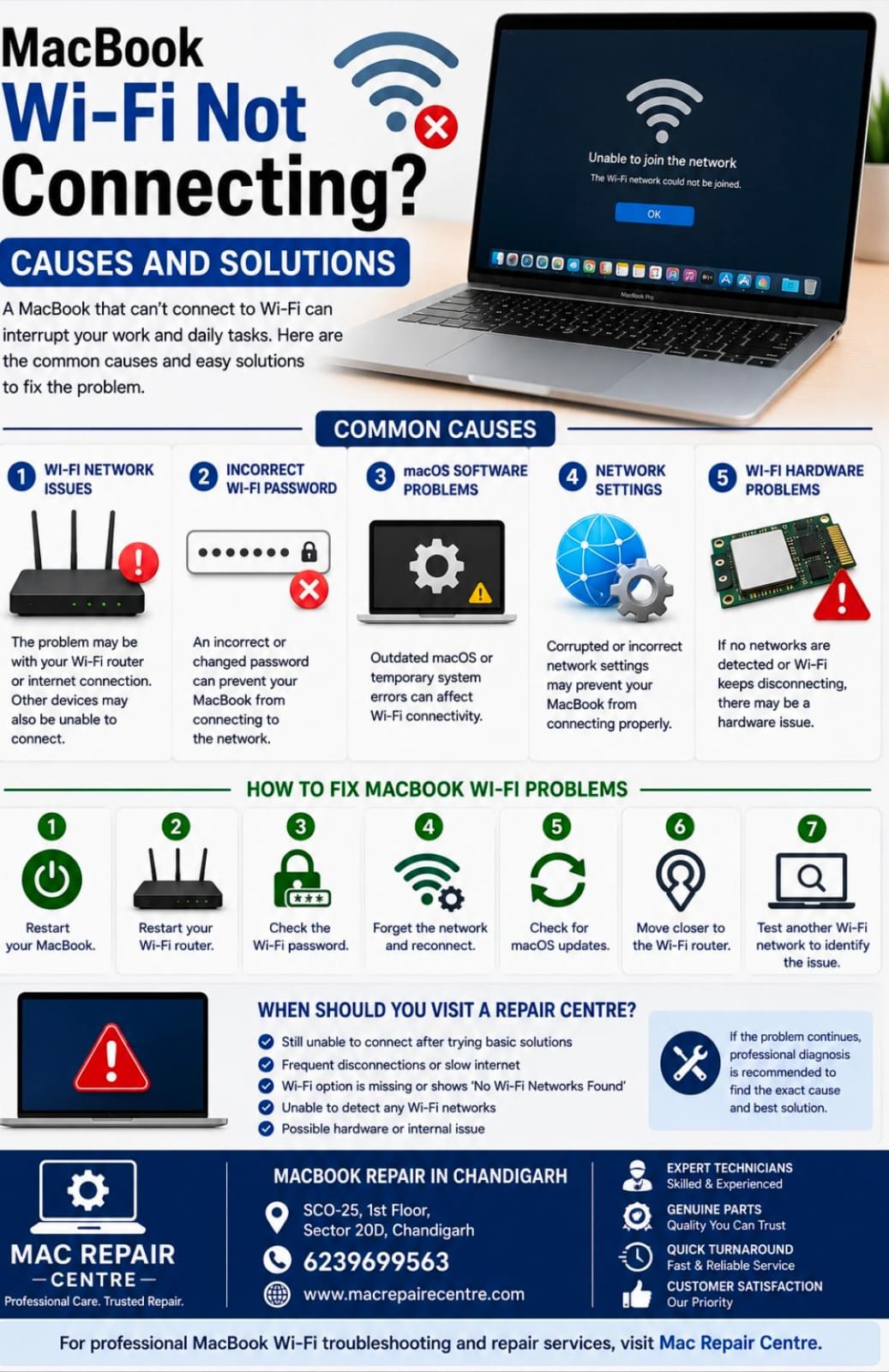
1. Wi-Fi Network Issues
Sometimes the problem is with the Wi-Fi router rather than the MacBook. Restarting the router and checking whether other devices can connect can help identify the source of the problem.
2. Incorrect Wi-Fi Password
An incorrect or recently changed Wi-Fi password can prevent your MacBook from connecting. Make sure you are entering the correct password.
3. macOS Software Problems
Outdated macOS or temporary system errors can sometimes affect Wi-Fi connectivity. Keeping macOS updated can help maintain compatibility and stability.
4. Network Settings
Corrupted or incorrect network settings may prevent your MacBook from connecting properly. Forgetting the Wi-Fi network and reconnecting can sometimes resolve the issue.
5. Wi-Fi Hardware Problems
If your MacBook cannot detect any Wi-Fi networks or continues to disconnect after troubleshooting, there may be a problem with the internal Wi-Fi hardware or antenna.
How to Fix MacBook Wi-Fi Problems
Restart your MacBook.
Restart your Wi-Fi router.
Check the Wi-Fi password.
Forget the network and reconnect.
Check for available macOS updates.
Move closer to the Wi-Fi router.
Test another Wi-Fi network to identify whether the problem is with the MacBook or the network.
When Should You Visit a Repair Centre?
If your MacBook still cannot connect to Wi-Fi after basic troubleshooting, professional diagnosis may be required. Frequent disconnections, missing Wi-Fi options, or inability to detect any networks can indicate a hardware or deeper software problem.
At Mac Repair Centre, our technicians can diagnose MacBook Wi-Fi, network, software, and hardware-related issues and recommend the appropriate solution.
MacBook Repair in Chandigarh
Mac Repair Centre
Address: SCO-25, 1st Floor, Sector 20D, Chandigarh
Contact: 6239699563
For professional MacBook Wi-Fi troubleshooting and repair services, visit Mac Repair Centre.