
MacBook Overheating Guide
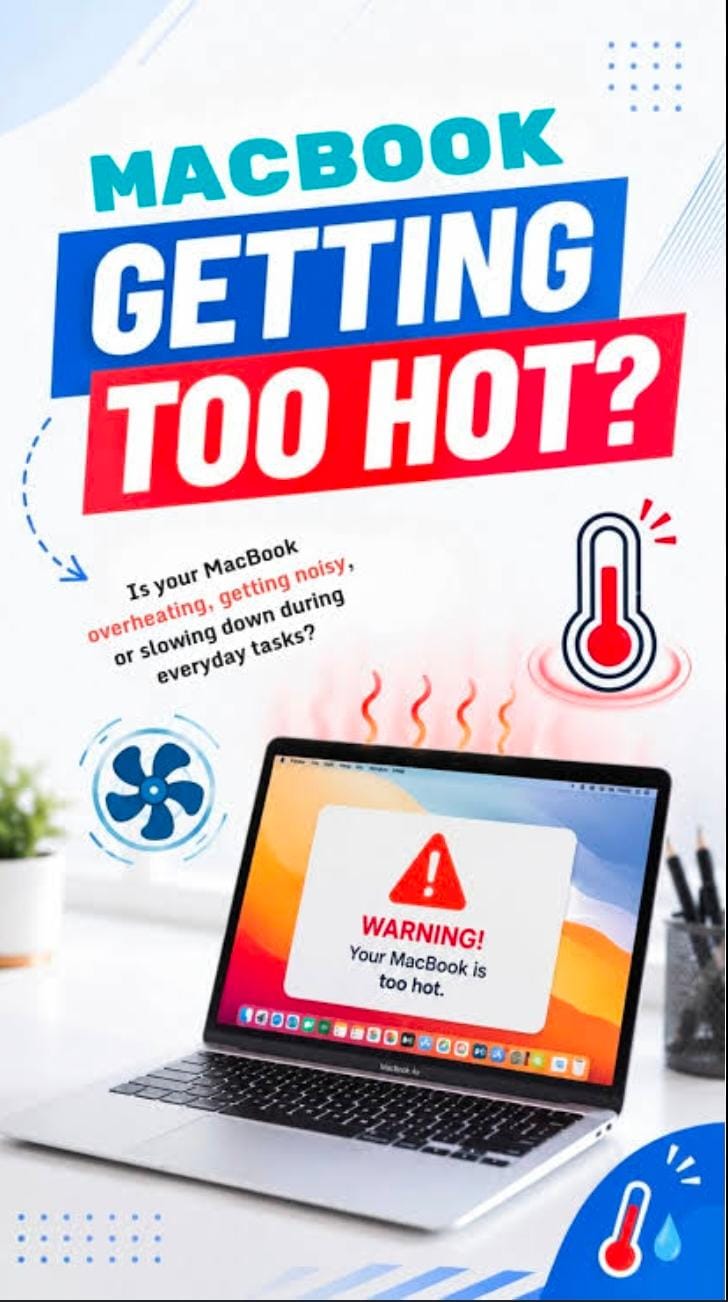
MacBooks are powerful , but constant overheating can signal an underlying issue . Common causes
Include running multiple heavy apps at once , blocked cooling vents , outdated MACOS software ,
Background process using too much CPU ,faulty fans ,on degraded thermal paste . Start with quick
Fixes , like closing intensive apps in activity monitor ,updating your system, cleaning dust from the
Vents, and using your MacBook on hard ,flat surfaces . If overheating continues or you notice
Constant fan noise ,slow performance ,or sudden shut downs ,its time to get a professional
Diagnosis .Ignoring these signs can damage vertical components ,so if your MacBook keeps getting
Hot ,bring it in to Mac Repair Centre expert technician for proper service.